
GIFs for Dummies!
- Thread starter Jenizona
- Start date
-
Christian Chat is a moderated online Christian community allowing Christians around the world to fellowship with each other in real time chat via webcam, voice, and text, with the Christian Chat app. You can also start or participate in a Bible-based discussion here in the Christian Chat Forums, where members can also share with each other their own videos, pictures, or favorite Christian music.
If you are a Christian and need encouragement and fellowship, we're here for you! If you are not a Christian but interested in knowing more about Jesus our Lord, you're also welcome! Want to know what the Bible says, and how you can apply it to your life? Join us!
To make new Christian friends now around the world, click here to join Christian Chat.
You are using an out of date browser. It may not display this or other websites correctly.
You should upgrade or use an alternative browser.
You should upgrade or use an alternative browser.

The way I do it is by finding a GIF via an image search, and then right-clicking on the GIF and selecting "copy image URL". That will vary somewhat depending on your browser, like Firefox says "copy image location", if I'm not mistaken.
Then, when you're making a post, click the little button (above the area where you're typing) that looks like a framed image of a tree. In the box that pops up, select the tab that says "from URL", and paste the URL in the appropriate space. UN-check the box that says "retrieve remote file and reference locally".
Tryyyyyy it! Find a fun GIF! I'll wait!

Then, when you're making a post, click the little button (above the area where you're typing) that looks like a framed image of a tree. In the box that pops up, select the tab that says "from URL", and paste the URL in the appropriate space. UN-check the box that says "retrieve remote file and reference locally".
Tryyyyyy it! Find a fun GIF! I'll wait!

The way I do it is by finding a GIF via an image search, and then right-clicking on the GIF and selecting "copy image URL". That will vary somewhat depending on your browser, like Firefox says "copy image location", if I'm not mistaken.
Then, when you're making a post, click the little button (above the area where you're typing) that looks like a framed image of a tree. In the box that pops up, select the tab that says "from URL", and paste the URL in the appropriate space. UN-check the box that says "retrieve remote file and reference locally".
Tryyyyyy it! Find a fun GIF! I'll wait!
PopClick! You helped me earlier with other techie stuff! Okay, here's a GIF for you! Wait... my options came up as "Paste" or "Paste as plain text" This is what happens when I pick "Paste"!
http://media.tumblr.com/9e2346ec00c4ca0d27c9200b8295c0df/tumblr_inline_mloucz14Td1qz4rgp.gif

V
VioletReigns
Guest
Where it says Insert Image, you will see it says below that:
Retrieve remote file and reference locally
Make sure you unclick that.
Retrieve remote file and reference locally
Make sure you unclick that.
Where it says Insert Image, you will see it says below that:
Retrieve remote file and reference locally
Make sure you unclick that.
Oh good, VioletReigns, because I wanted to know this so I could post a GIF on that boyfriend thread LOL! Thanks!

V
VioletReigns
Guest
YAY!! You did it Jenizona!!
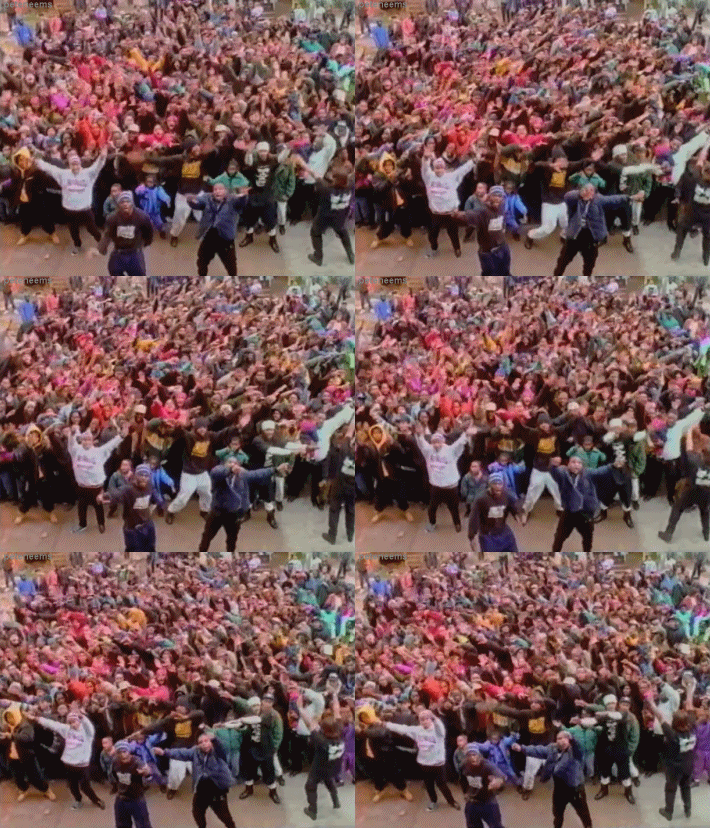
Lol YAYYY! So if I have a GIF saved to my comp, I just... paste something on the other option, and keep that box checked?

You would use the option that says "from computer" instead of "from URL". But that doesn't seem to work right all the time. :/Lol YAYYY! So if I have a GIF saved to my comp, I just... paste something on the other option, and keep that box checked?


I guess that's one way. The other way I posted stuff is by selecting the "copy image" option, then I just "paste" it into the comment and presto! Gif action.

I guess that's one way. The other way I posted stuff is by selecting the "copy image" option, then I just "paste" it into the comment and presto! Gif action.

OH MY GOSH IT WORKED!!

what a bunch of show offs.. lol.. jk
Show offs lol? Hey, I love a good gif! A picture speaks a thousand words! Pretty sure a moving picture doubles that lol.
And some of us (*cough* me *cough*) are techno-newbies, and need a little help. Figured a thread like this was the best place to experiment and get some help.
This has never worked consistently for me, either.I guess that's one way. The other way I posted stuff is by selecting the "copy image" option, then I just "paste" it into the comment and presto! Gif action.
 It is definitely easier, but I often end up with that little blue box of "Nope!" instead of my picture. I don't know if it's a browser issue, or a device issue, or what. I use images that are hosted on the net already (I'm not trying to use images from my own computer that way), so I'm not sure why it wouldn't work for me.