C

-
Christian Chat is a moderated online Christian community allowing Christians around the world to fellowship with each other in real time chat via webcam, voice, and text, with the Christian Chat app. You can also start or participate in a Bible-based discussion here in the Christian Chat Forums, where members can also share with each other their own videos, pictures, or favorite Christian music.
If you are a Christian and need encouragement and fellowship, we're here for you! If you are not a Christian but interested in knowing more about Jesus our Lord, you're also welcome! Want to know what the Bible says, and how you can apply it to your life? Join us!
To make new Christian friends now around the world, click here to join Christian Chat.
You are using an out of date browser. It may not display this or other websites correctly.
You should upgrade or use an alternative browser.
You should upgrade or use an alternative browser.


C
CatWoman
Guest
P
penguingal
Guest
Did the kitty answered your question? lol I asked a member from the chat forum how to put written words in my chat profile and he said...go to the homepage, click 'control panel' and work it out yourself =p Oh how I love that kind of helpfulness.
Anyway go to Control Panel and under "your chat profile" click on 'edit profile picture' and upload your awesome pic from there =D
As for your avatar pic, go to "Setting & Options" and click 'edit avatar' and upload ur avatar pic there.
Anyway go to Control Panel and under "your chat profile" click on 'edit profile picture' and upload your awesome pic from there =D
As for your avatar pic, go to "Setting & Options" and click 'edit avatar' and upload ur avatar pic there.

P
penguingal
Guest
G
GODCHILD1
Guest

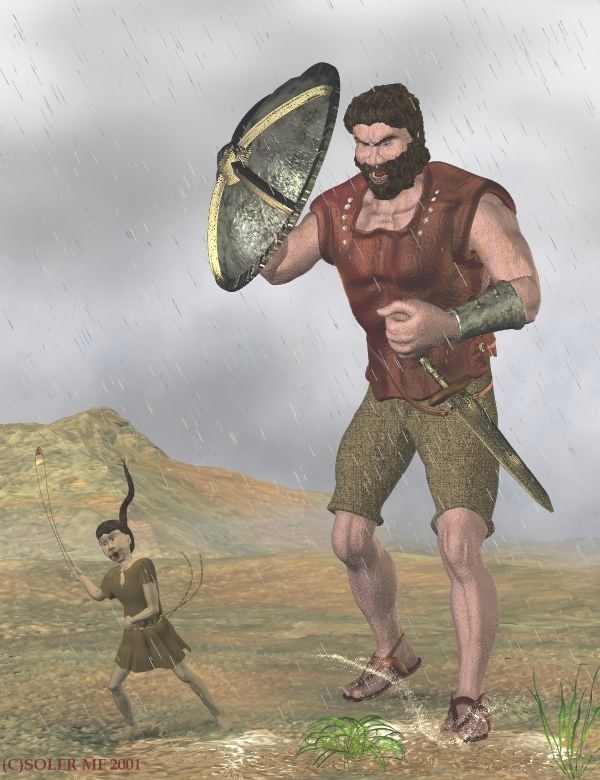
Why does David look like he's scared and running away?
Catwoman, on the top of the page click on "Control Panel". After that you will see in the right side column, the word "Avatar", click on it. A window will pop up and you will have the choice of either uploading a pic from your computer or inserting the link (URL address) of a pic that is on the internet. If u have any further questions feel free to PM me.
Catwoman, on the top of the page click on "Control Panel". After that you will see in the right side column, the word "Avatar", click on it. A window will pop up and you will have the choice of either uploading a pic from your computer or inserting the link (URL address) of a pic that is on the internet. If u have any further questions feel free to PM me.

E
Ellahbi
Guest


N
NoNameMcgee
Guest
Hi please how can l post my profile picture
if you are on a mobile device
you need to activate "full site"
(to do that you scroll to the bottom of the page)
after you do this in the top right corner
there will be a "settings" option
click that
and "edit profile picture" should be on left hand side

Did the kitty answered your question? lol I asked a member from the chat forum how to put written words in my chat profile and he said...go to the homepage, click 'control panel' and work it out yourself =p Oh how I love that kind of helpfulness.
Anyway go to Control Panel and under "your chat profile" click on 'edit profile picture' and upload your awesome pic from there =D
As for your avatar pic, go to "Setting & Options" and click 'edit avatar' and upload ur avatar pic there.
Nice info ,thanks